

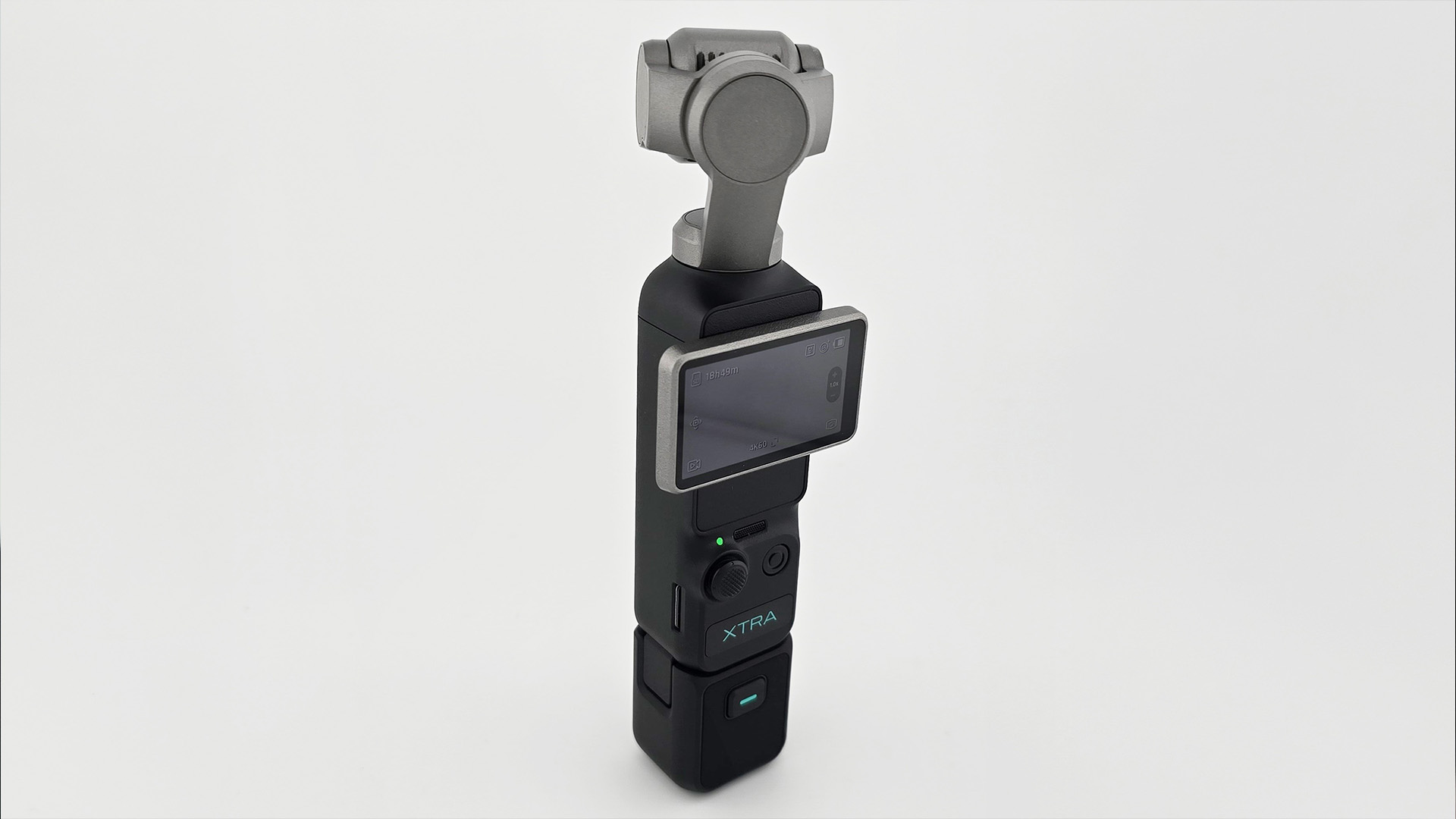
When it comes to a cool piece of tech, one of my favorite things to do is find creative (and usually nerdy) ways to use it that may be a bit outside of the norm. A mission I gladly undertook when Xtra sent over its Muse handheld camera for review, a tiny 4K camera aimed at vloggers While it may be designed to house a wide assortment of features that make it a standout for that group, this little camera can be so much more and may be worth it even for those of you who are more in the business of general content creation, like myself.
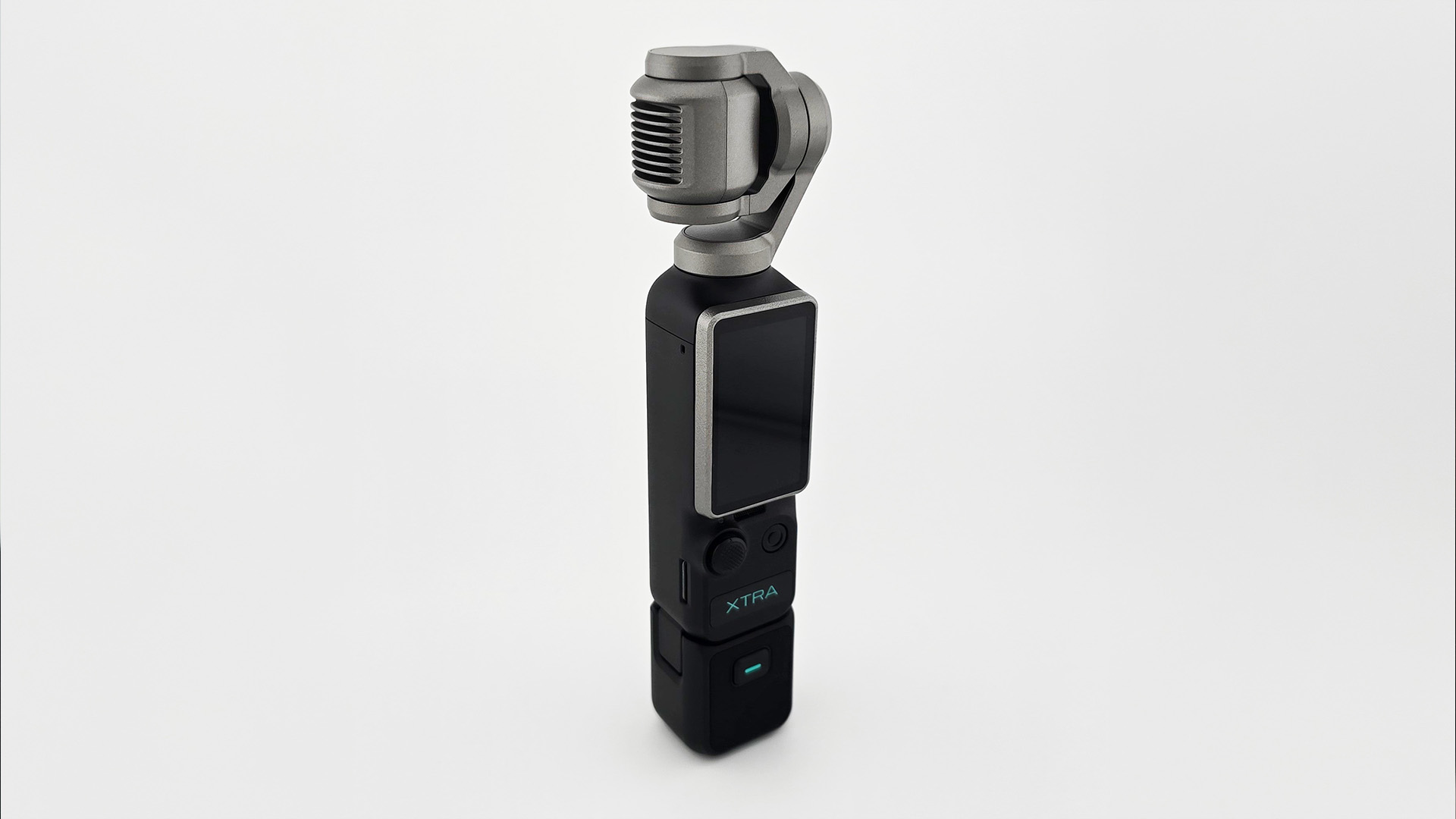 Running you around the $450 mark (often on sale for far less) and coming in at just about 180 grams (just under half a pound), the Xtra Muse is roughly the size of a hot dog. Crammed inside this small package, you will find a camera setup that can record in 4K@60fps, take solid-looking still photos, track a target, has a built-in stabilizing gimbal, and has other nifty tricks up its sleeve. Having grown up in the time of large camcorders that recorded on VHS tapes, I still sometimes find it blows my mind how small and advanced technology has gotten in the past few decades.
With its ability to go from your pocket to filming with a satisfying flip of the Muse’s touchscreen in just about 5 seconds (yes, I timed it), it’s easy to see the appeal from a typical vlogger’s perspective. Have a deep and insightful thought? Boom, got your camera out. See a double rainbow in the sky? WAM, your camera is rolling! The Muse is damn handy, and the fact that it fits easily in your handbag, backpack, or even potentially your pocket is pretty damn neat. Just be warned that the Muse doesn’t have any onboard storage, so you will need an SD card to actually record. Even if you don’t consider yourself a vlogger, this is still a damn solid camera even for casual use. Thanks to the gimbal’s stabilization and range of movement (panning between -230 degrees to 53 degrees, tilt: -115 degrees to 65, and rolling: -45 degrees to 45 degrees_, the Muse has become the camera I reach for when I need to take product shots for my various tech and board game reviews, such as my recent SN Operator review. The Muse also supports panorama, countdown, and time-lapse photography.

Recently, I attended Summer Game Fest and made a point to bring my new Muse with me to really test it out, and I was surprised by how much more I enjoyed using it to shoot with than my phone. Normally, when shooting, I have to resort to an odd balancing act, using my pinky finger as a stabilizer, and I rarely shoot video vertically. Call me old school, I guess. With the Muse, the fact that you just hold it upright, even when shooting landscape, is comfortable as can be, especially with how light it is. The subject tracker not only lets the Muse follow a face but also tracks non-faces in a shot. I’ve had some surprising success tracking board game pieces and even art from Magic cards, giving me some cool ideas for videos in the future. The Muse has other video modes, such as slow mo (up to 120 fps) and low-light settings, which provide even more versatility. I put that versatility to good use while roaming the Summer Game Fest show floor and exploring Los Angeles with friends after hours.
Whether I was taking still photographs or recording video, the stuff that comes out of the Muse looks damn good. Images come out incredibly crisp with vivid colors and great contrast, and watching something that’s silky smooth in 4K always leaves a good impression. For folks who like more control to dial things in, a pro setting can be activated that lets you manually adjust settings like ISO ranges and shutter speeds for your videos and photos, with even more options when shooting in low-light video mode or slow motion.
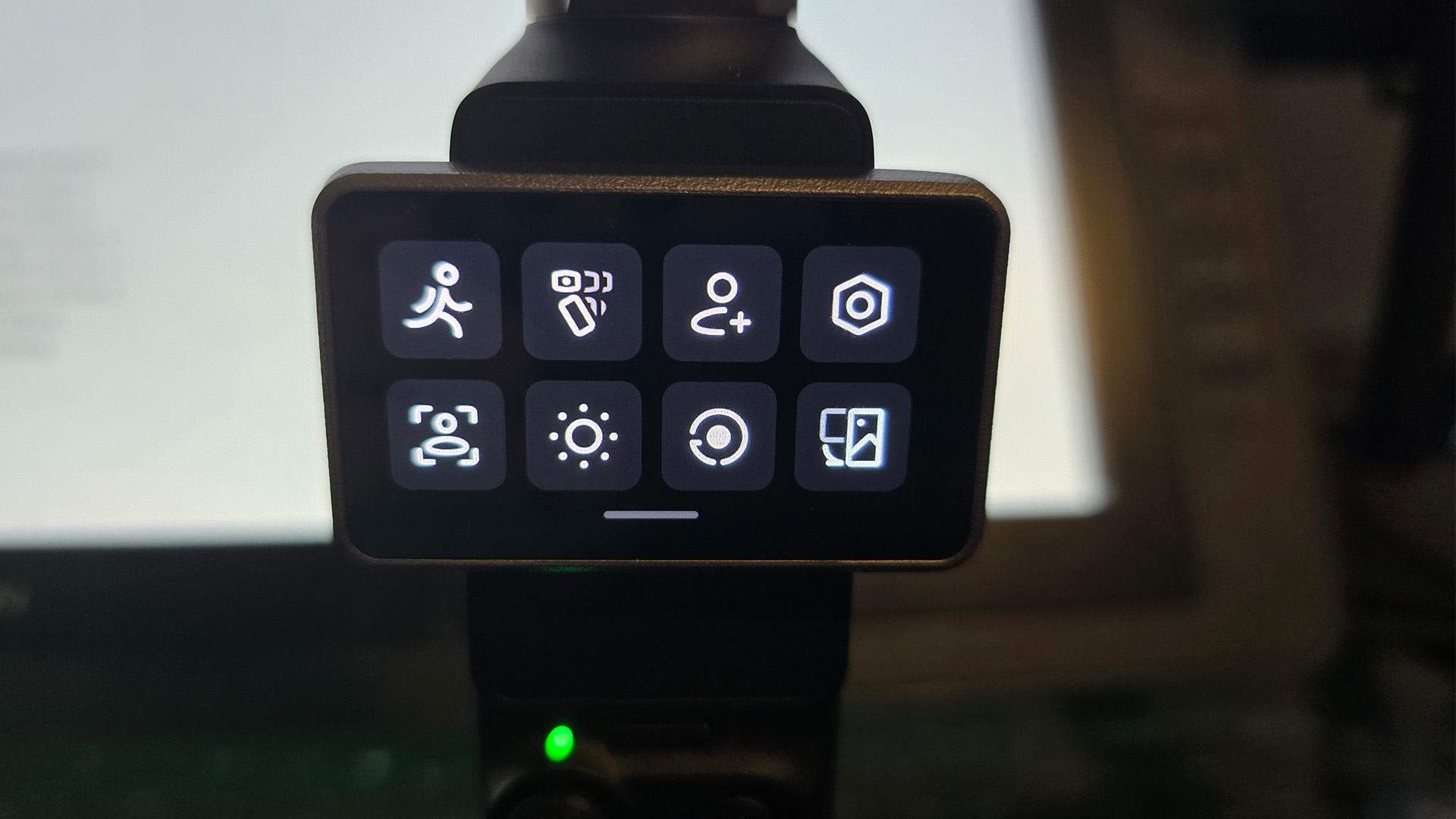
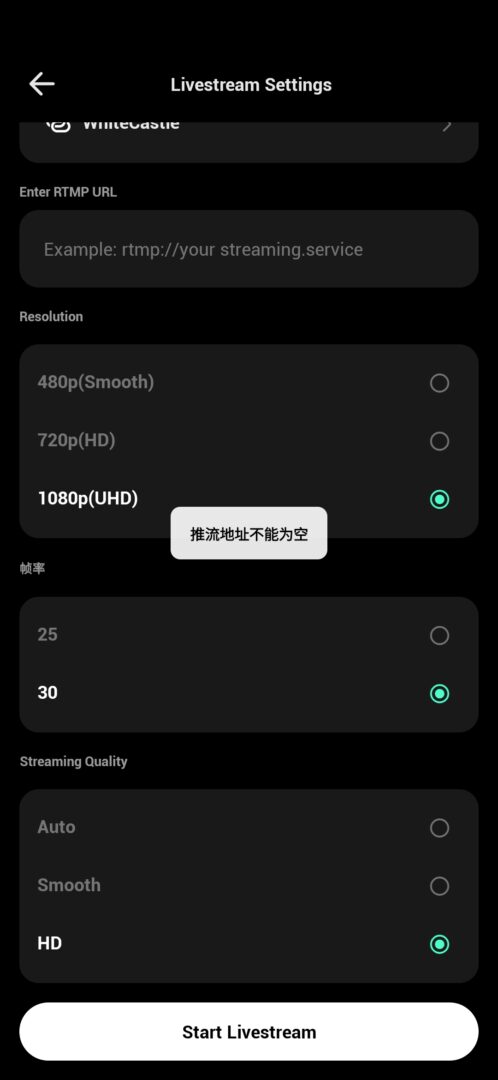
Speaking of those modes and settings, the Muse’s menus are surprisingly responsive. A few quick clicks of the nub pad will recenter the lens, and three clicks will reverse it for when you need that perfect selfie shot. Nearly everything else is done either by swiping or tapping on the central 2” touch screen. For most things, as someone with larger hands and fingers, using this didn’t prove too troublesome, finding it pretty comfortable to swap modes and the like. I did run into some issues, though, when trying to make finer tweaks and adjustments, such as manually adjusting the ISO and shutter speeds, seeing as those menus were a bit smaller. That said, Xtra does have an app that lets you connect your Muse to your phone, letting you make those finer adjustments on your phone instead. This app also lets you remotely control the gimbal, download your videos or pictures, and even livestream from the camera, so long as you are connected to wifi.
The Muse also features a pretty commendable battery life, too, with its 1300 mAh battery. In most cases, I could comfortably get a bit over two hours of use before I started worrying that I’d have to charge soon, and even then, it only takes about 35 minutes to charge back to full.
Thanks to the eyebrow-raising similarities in design (and honestly, basically everything else) between Xtra’s Muse and the DJI Osmo Pocket 3, there are a ton of accessories out there if you really want to go deep into the vlog-o-sphere. I have not found a single incompatible accessory from mounts, to cases, to lens filters, and lights for the Pocket 3 that don’t work on the Muse. And thanks to a firmware update earlier this year, you can connect DJI Mics and Mic Minis via Bluetooth, should you so choose. Linking my Mic 3s was painless and took mere moments. I simply put the mics in pairing mode, and they appeared and were detected by the Muse, and that was that. And you will probably want to get some sort of mic, as the mic on the Muse will do a fine enough job in a pinch; it didn’t knock my socks off.
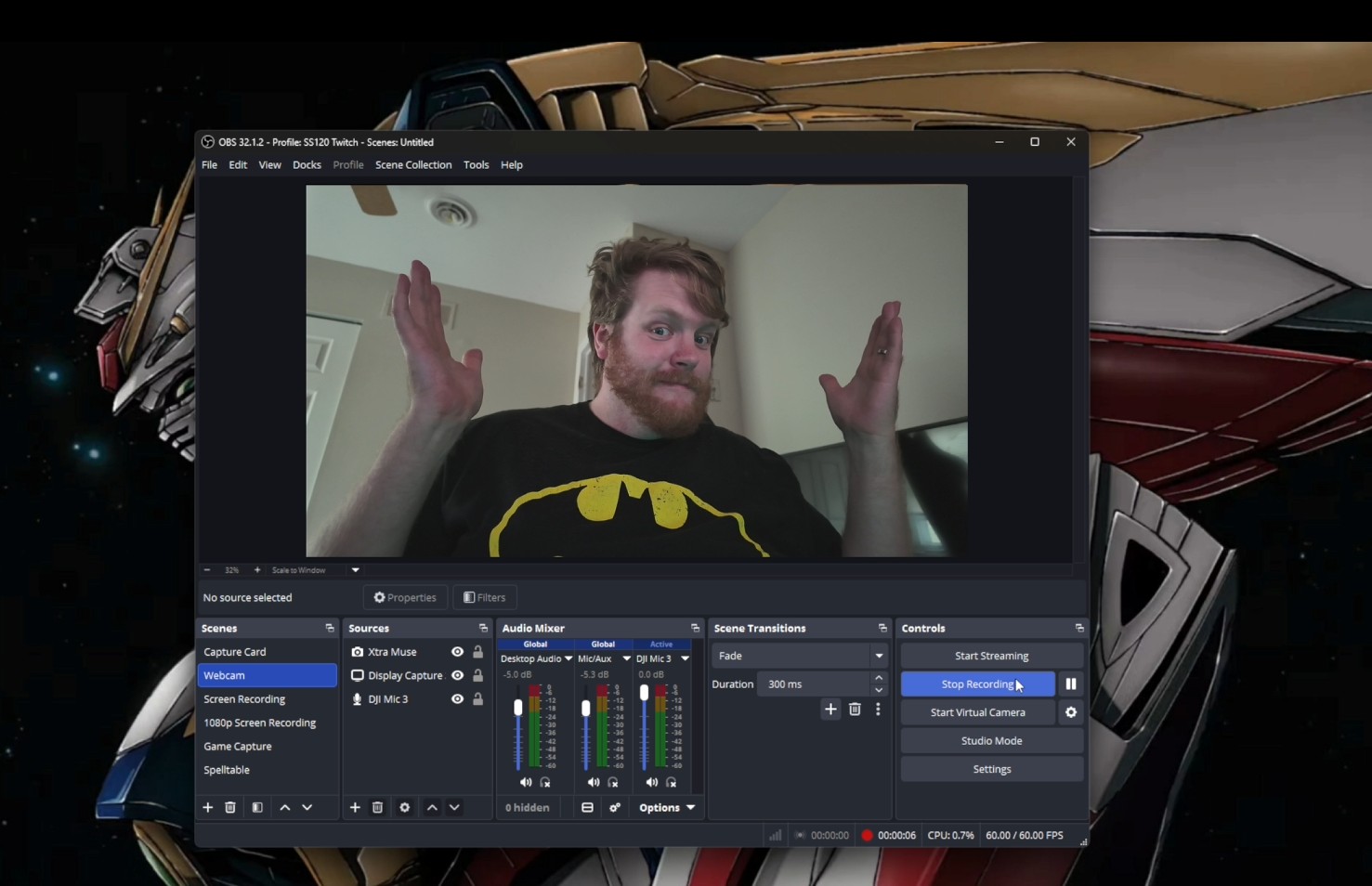
But, by far my favorite feature of the Muse is also the one I feel I have seen and heard the least about in the various videos and guides I have watched on the device. This thing can be a webcam. As in, you plug in a USB cord and tap the “Webcam” button on the screen, not just a camera that you need to jerry-rig a workaround to make show up as a random, unnamed source, sort of webcam. Plugging in the Muse will, by default, run as a 1080p webcam that tracks your face, but you can use its 4k capabilities by configuring it in your preferred capture software, such as OBS Studio. Granted, doing so will unfortunately deactivate the face-tracking feature, oddly enough. So not only are you getting a great video and photo camera, but you are also getting4 K 4k webcas partout of the dtoo.
While I find myself firmly in the “fan” camp for the Muse, that’s not to say this is a flawless piece of gear or that there aren’t some features I would love to see in future iterations of the device. Perhaps the biggest complaint I have with the Muse is that it seems to have a really hard time getting good close-up shots of small objects. I tried to take some pictures of my Warhammer 40k miniatures, using the limited 2x zoom as best I could, but getting those suckers in focus nearly made me chuck the camera across my basement. I get that this is more of an extreme case, and a single lens in such a small package will have its limitations, but it’s still disappointing. Even if future Muse cameras can’t let me take shots of my plastic minis, having a better, easier time getting close-up shots would be welcome.
Secondly, I wouldn’t mind an extra button or control to make it easier to adjust your shot. Particularly with the zoom and gimbal movement being tied to the same nub. Having a small wheel on the side, which could be for zooming, would be a big help, with a bonus addition letting you click it in and manually adjust the focus too. The Xtra phone app is pretty slick if you want to remotely control your camera, though it could still use some work. There are menus and icons that haven’t been translated, and I would occasionally run into a Chinese pop-up. All that being said, I still find the pros vastly outweigh the cons with the Muse.
At its full price of $450, the Muse is a bit harder to swallow and one I would only recommend if you are really thinking about investing your time in the vlogging route, and it is a harder sell to the casual audience. When it’s on sale for that $330-ish range I have often seen it at, it’s an easy recommendation for folks that want a flexible on-the-go camera option or are looking for a good webcam.
I’m not a vlogger, but holding the Muse in my hand, I’ll admit I’ve thought about giving it a try. Xtra has made a device that is really designed and tailored for that purpose, no doubt, but I have found far more reasons and joy in using it. I look forward to seeing how the Muse line continues to evolve in future iterations and hopefully addresses some of the annoyances I have with this current device.
For myself, this hotdog camera is now a constant companion, always in my backpack wherever I go, and I don’t foresee it leaving anytime soon. And even if you don’t think of yourself as someone who can wax insightfully into a camera about your day, and you’re just someone who wants a handy camera or a new webcam, the Muse may just be right for you.
The Xtra Muse is available over on Amazon and on the Xtra website.
Xtra provided us a unit to review and try out, but all thoughts are our own.


